

Requires the Integrations (MCP) feature to be enabled for your organization. Ask your administrator if you can’t see it.
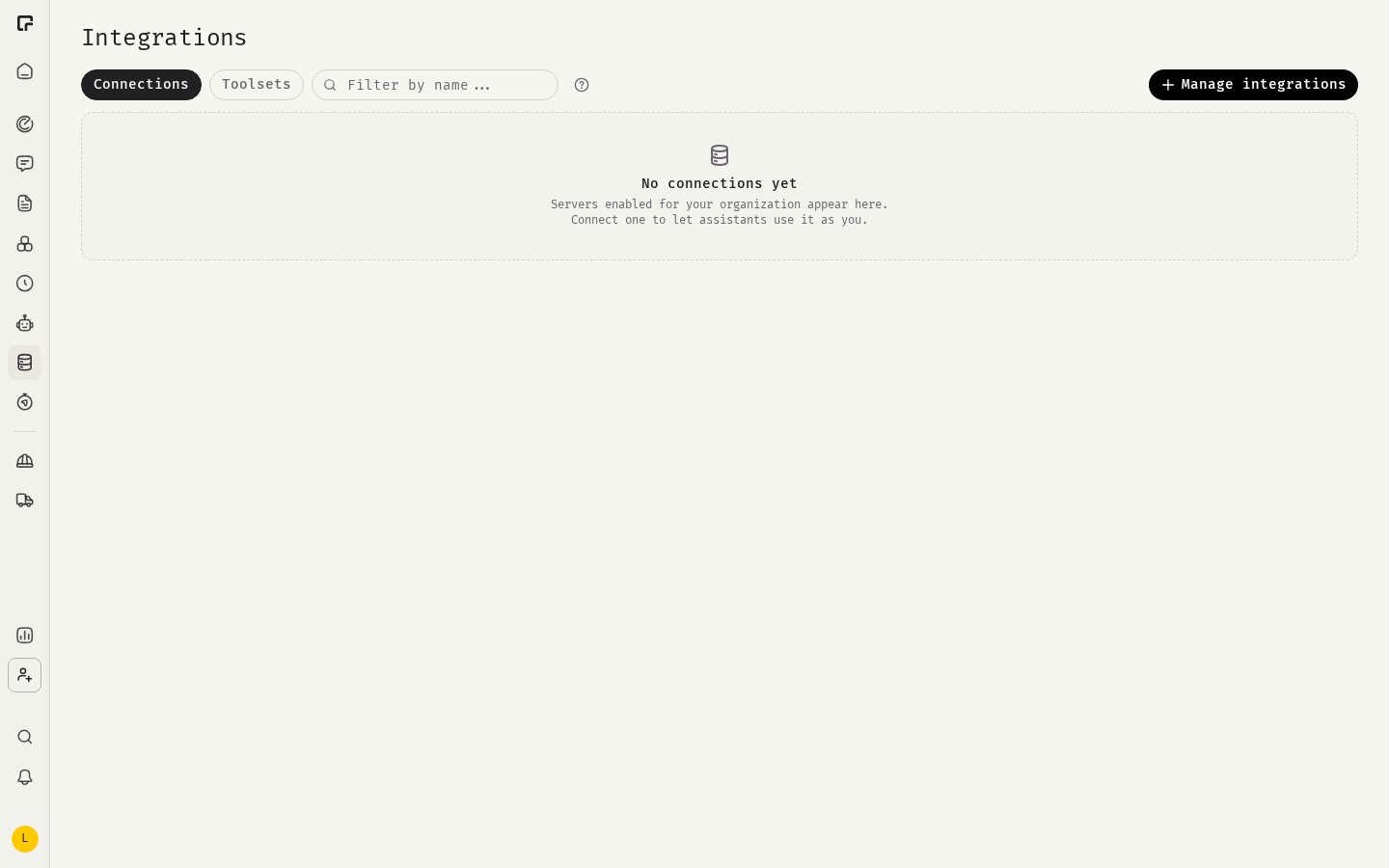
See what’s available to you
Open Integrations → Connections. Everything listed there is enabled for your organization:- Featured: Google Workspace and Microsoft 365 products, each in their own box.
- More integrations: everything else your organization has enabled.
- Connected and Needs attention: integrations you have already connected.
Featured integrations
Other kinds of integrations
Beyond the featured suites, organizations often connect work tools such as:- Ticket and issue trackers
- Wikis and document tools
- Task and project management
- CRM and customer support
- Code hosting
- Team chat
How an integration signs in
The detail page shows the Sign-in method:Missing an integration?
- Members: ask an Owner or Manager of your organization. Share which tool you need and what you want to do with it.
- Owners and Managers: click Manage integrations on the Integrations page. You can enable integrations from the catalog, or click Can’t find your integration? Request one to submit a private MCP server for your organization. Submissions are reviewed before they become available.
Related
Connections
Connect and manage your accounts.
Organization MCP servers
Enable and request integrations as an admin.