

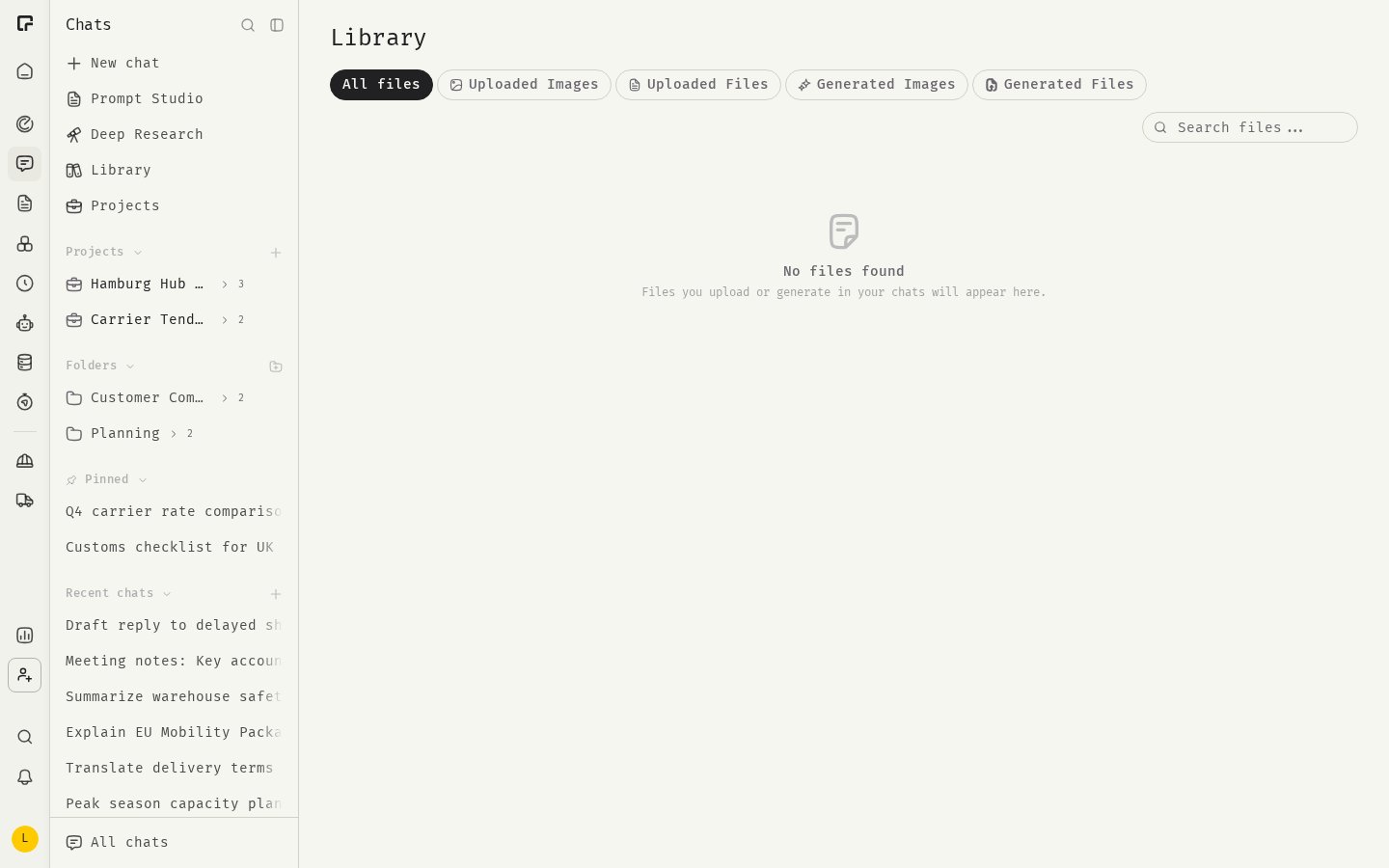
Open the Library
In the Chats sidebar, click Library.What you see
Files are sorted newest first. Each file shows its size, when it was added and the chat it came from. Use the tabs at the top to narrow the list:
On the four upload and generated tabs, files are grouped by date: Today, Last 7 days, Last 30 days and Earlier.
On Uploaded Files and Generated Files, you can also filter by type: PDF, Word, Excel, PowerPoint, CSV, Text or JSON.
What is not in the Library
- Files attached to an assistant as reference files. Manage those in the assistant’s settings.
- Editor documents. Find those in the Editor.
- PPTX templates. Manage those in Workspace Settings.
Related
Uploaded and generated files
Search, preview, download and delete files.
PPTX templates
Give generated decks your house style.
Attachments
Upload files in a chat.
File retention
How long files are kept.