

Release notes
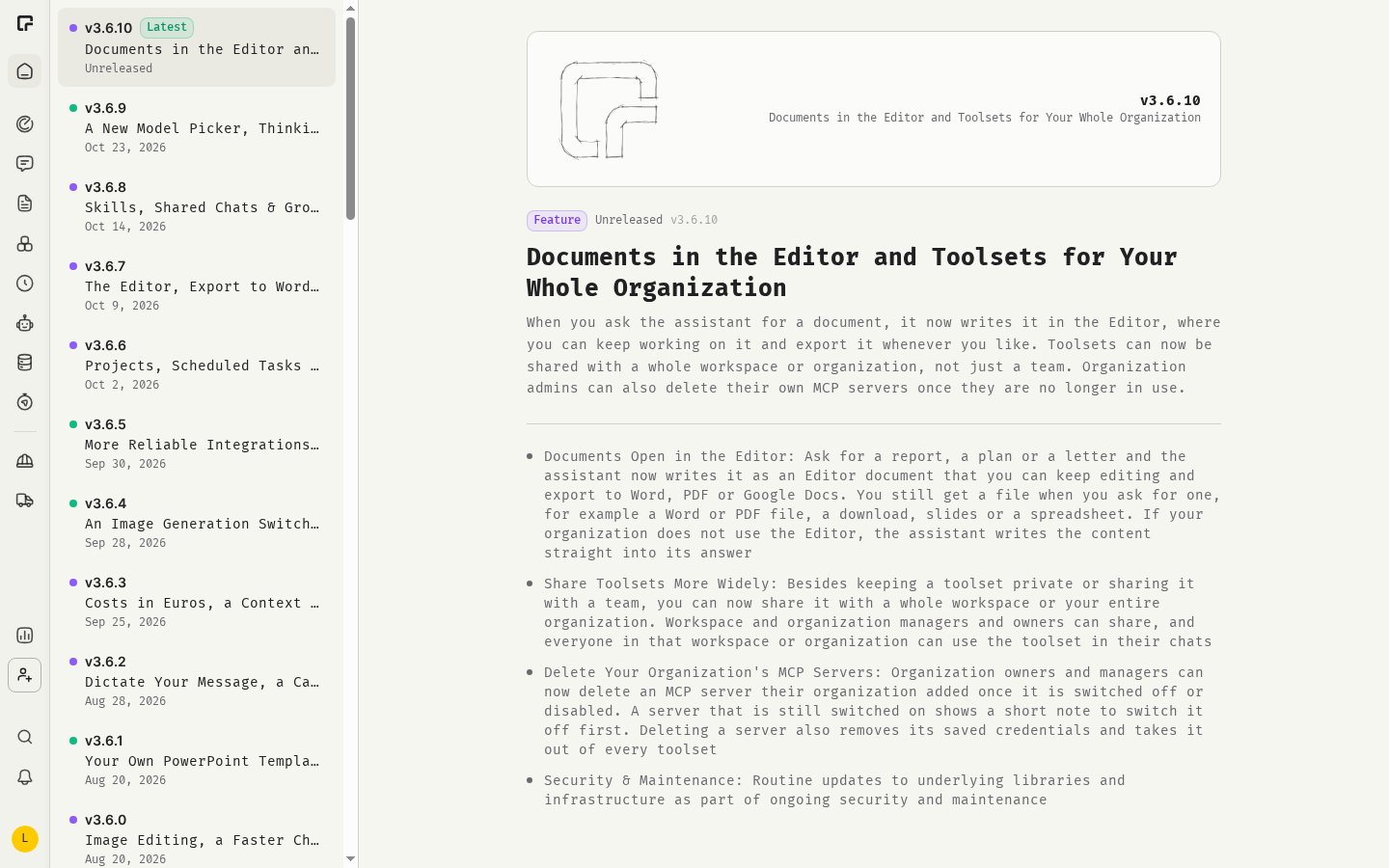
Release notes list new features, improvements and bug fixes, with the latest release first.- Click your avatar at the bottom of the sidebar.
- Hover Help and click Release Notes.
Up and Down arrow keys to move between releases.
You can also open the release notes from:
- Home, where Changelog shows the latest entries. Click All updates for the full list.
- The version number at the bottom of the profile menu.
Update available
When a new version of 48° is released while you have it open, you see Update Available. Click Reload to load the new version, or Later to finish what you are doing first.System status
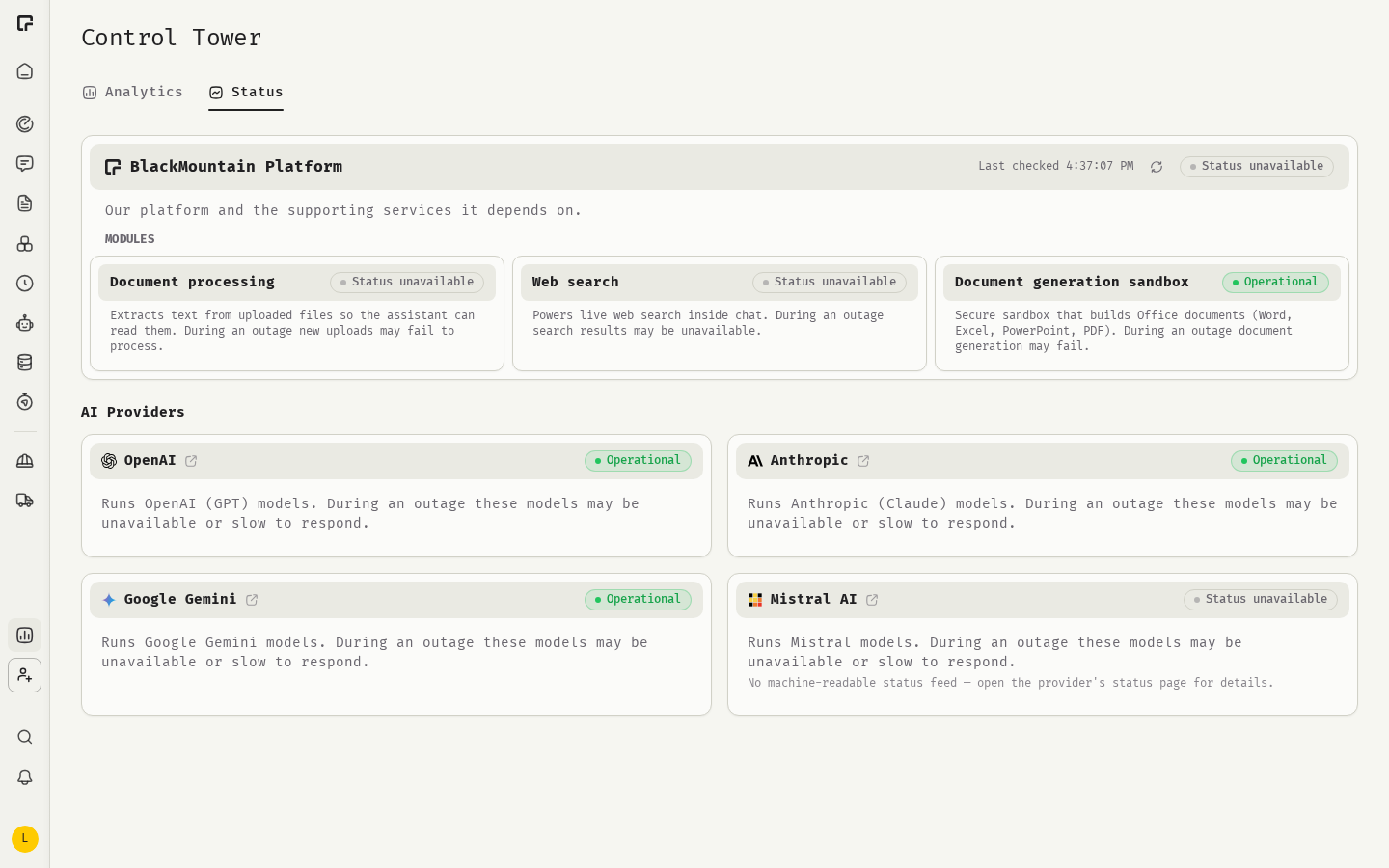
System status shows whether 48° and the AI providers it depends on are working.- Click your avatar at the bottom of the sidebar.
- Hover Help and click System Status.
- BlackMountain Platform: the platform, its modules and the supporting services, such as document processing, web search and the secure sandbox for document generation.
- AI Providers: OpenAI, Anthropic, Google and Mistral. During a provider outage, its models may be unavailable or slow.
Announcements
BlackMountain may show announcements as a banner or pop-up, for example about planned maintenance. Click Dismiss to close a banner.Related
Changelog
All releases.
Model guide
Choose an alternative model.
Feedback and support
Report a problem.
Your usage
The Control Tower.