

Requires the Radar feature to be enabled for your organization. Ask your administrator if you can’t see it.
Radar is in preview. The screens described here may change as the feature develops.
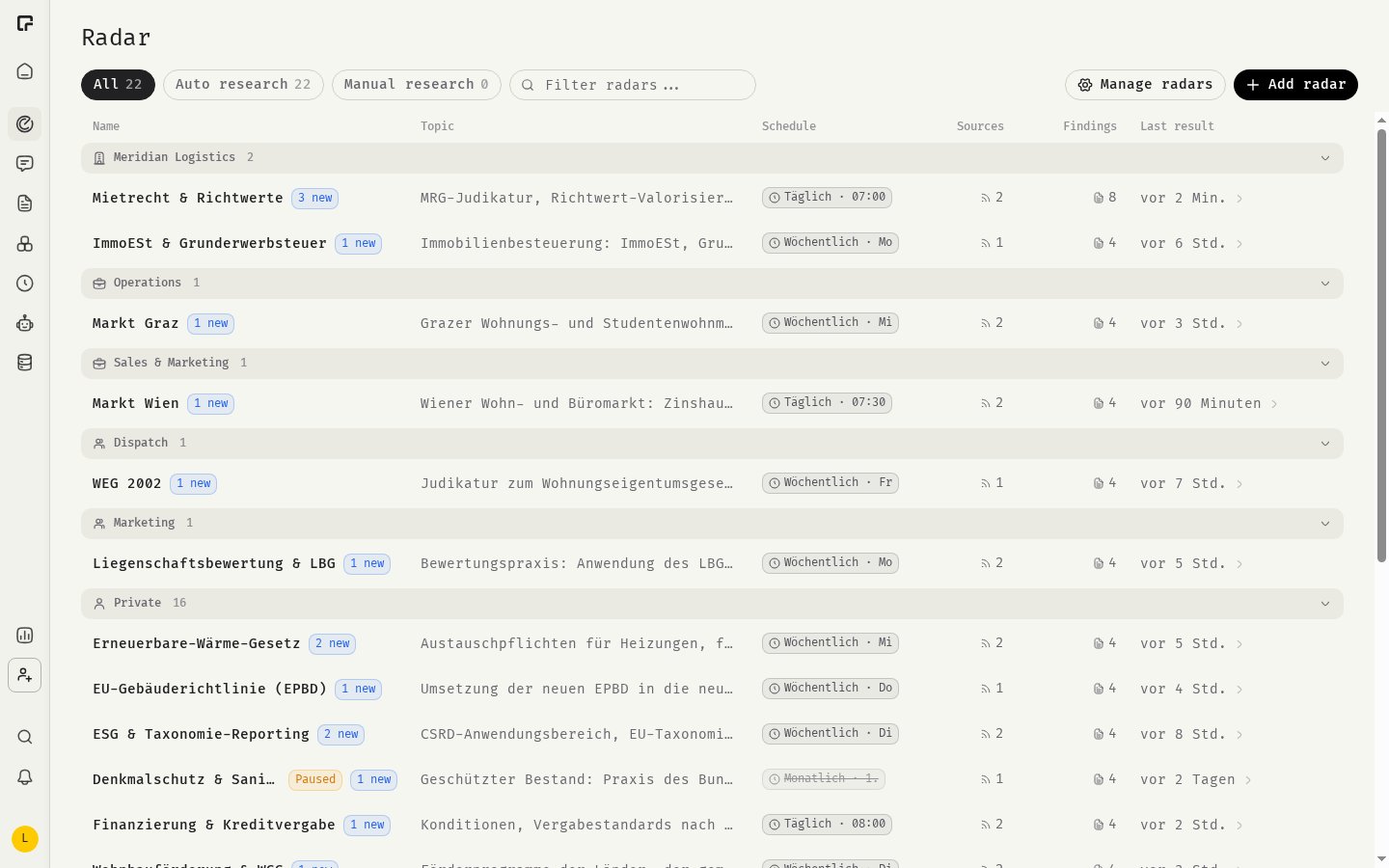
Where to find it
- Open Radar in the sidebar to read your radars and their findings.
- Open Settings, then Radar under Modules, to create radars and manage sources.
Key concepts
How it works
- You create a radar with a Research topic and pick its Sources.
- You choose a Schedule, or run it manually.
- The radar’s findings appear on the Radar page.
- You review each finding, mark what to track, and dismiss what isn’t relevant.
- You click Ask on a finding to discuss it with the AI.
Related
Radars and briefings
Create radars and work with findings.
Deep research
Run a one-off research report in chat.
Integrations
Connect the sources your radars research.