

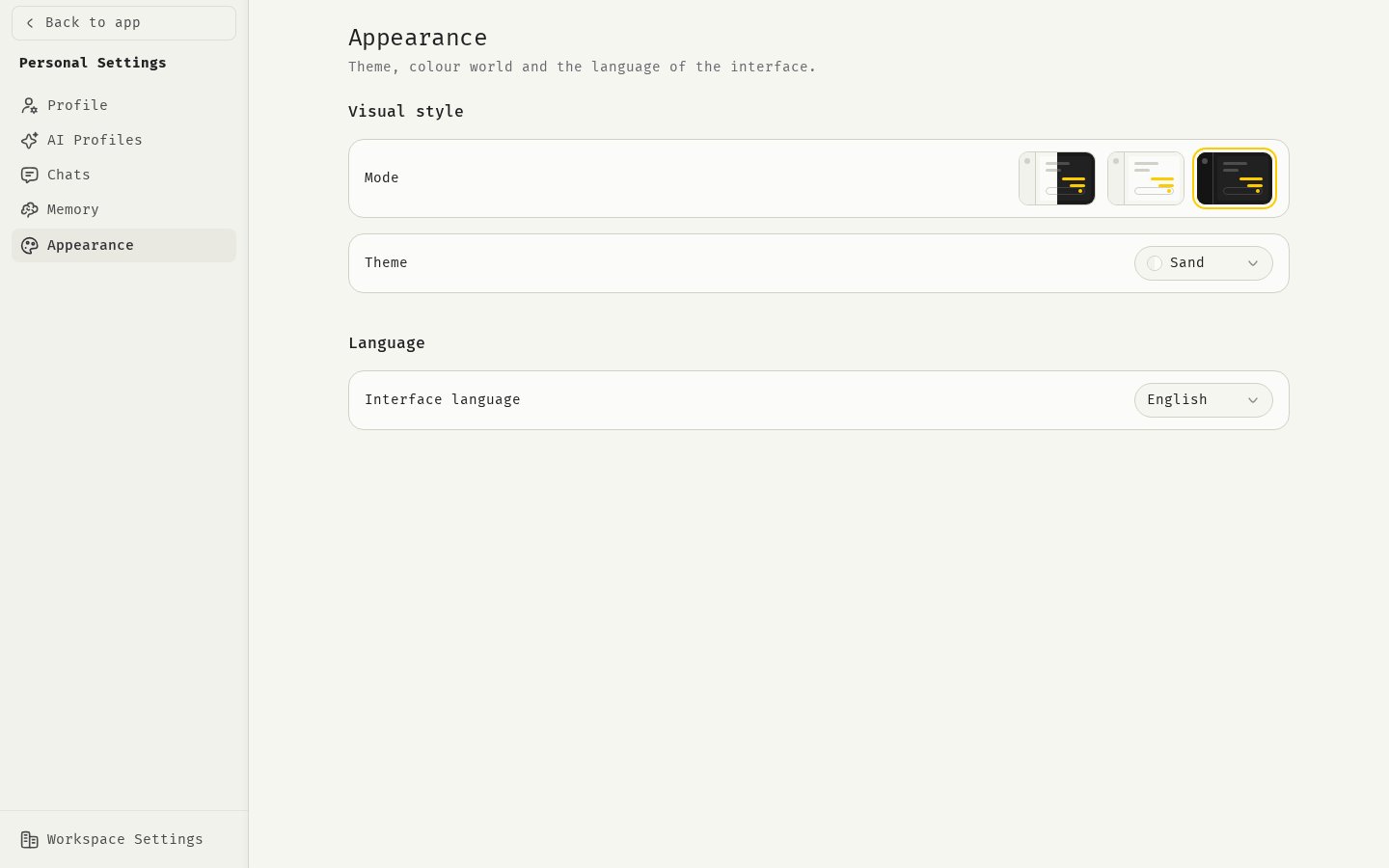
Open Appearance
- Click your avatar at the bottom of the sidebar.
- Click Personal Settings.
- Click Appearance.
Mode
Under Visual style, pick one of the three previews next to Mode:- System: follows your device’s light or dark setting. This is the default.
- Light
- Dark
Theme
Theme changes the color palette of the sidebar and header in light mode. Choose one of:- Sand: a warm, off-white palette. This is the default.
- White: a neutral white palette.
Language
Under Language, choose your Interface language:- English
- Deutsch
Related
Profile
Your name, picture and account.
Chat settings
Defaults for new chats.