

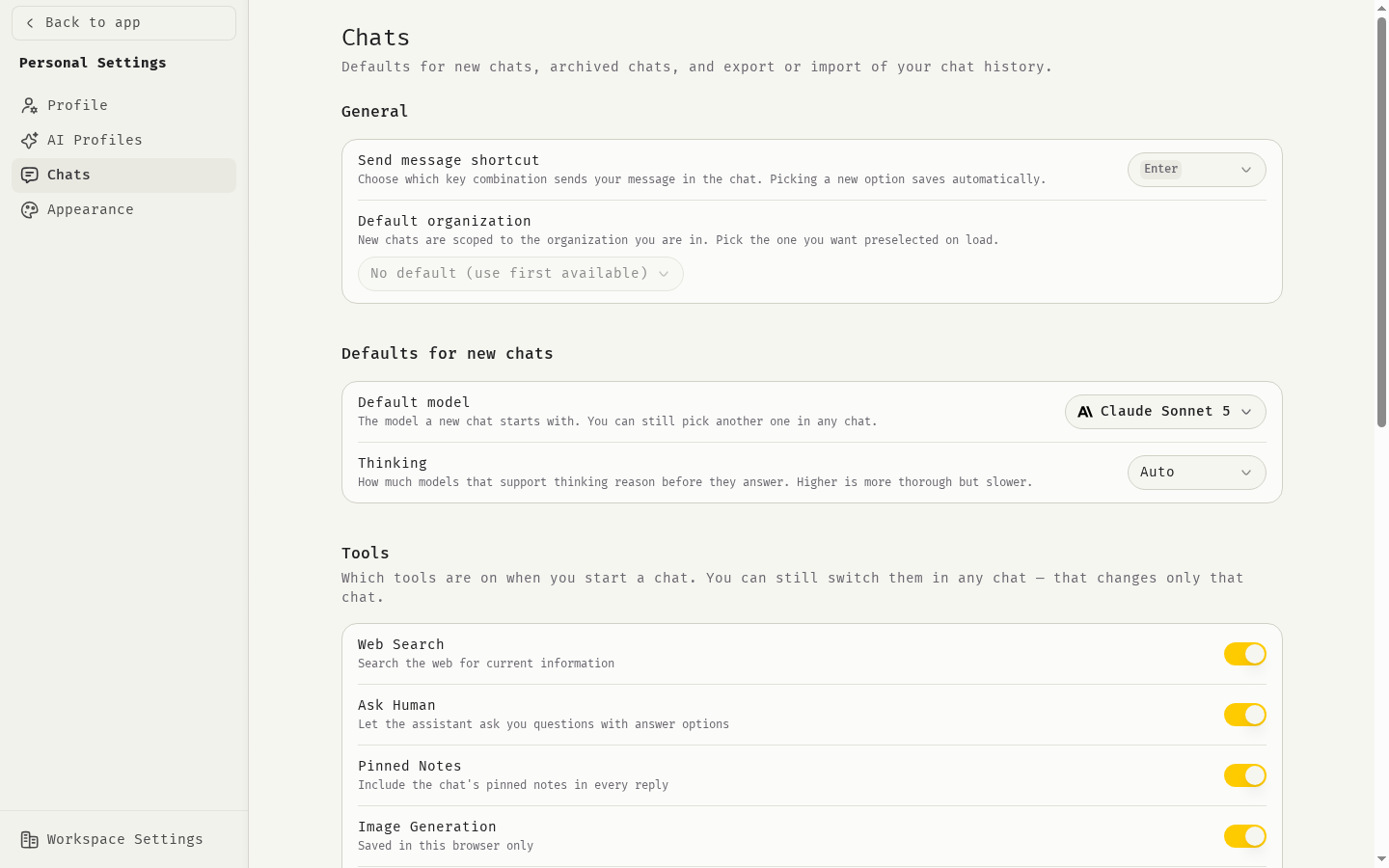
Open Chat settings
- Click your avatar at the bottom of the sidebar.
- Click Personal Settings.
- Click Chats.
General
Defaults for new chats
These settings decide what a new chat starts with. You can still change anything inside a chat, and that change applies only to that chat.Tools
Choose which tools are on when you start a chat.Image Generation and Document Generation are saved in this browser only. On another computer or browser, set them again.
Context
Choose which background information the AI reads: Organization, Workspace and Team. Each source only applies when context has been written for it, for example by your organization admin. See Profiles and context.Archived chats
Archived Chats lists every chat you archived, with the date.- Click Unarchive to move a chat back to your chat list.
- Click Delete, then Delete permanently to remove a chat and all its messages. This cannot be undone.
Export and import
The Export & import section lets you download your data as a zip archive and import it again. See Export and import.Related
Chat basics
Models, tools and message actions.
Model guide
Which model to choose.
Web search
How web search works.
Export and import
Move your data.