

What makes a good use case
A good first use case is:- Frequent: done every week or every day, not once a quarter.
- Text-heavy: reading, writing, summarizing, translating or comparing documents.
- Easy to check: the person doing the task can quickly tell if the result is right.
- Low risk: a mistake is caught before it reaches a customer or a decision.
- Owned: someone on the team wants it to work.
Find use cases with your teams
- Ask about the week. In a short session, ask each team: “Which tasks take the most time and involve a lot of reading or writing?”
- List candidates. Write down each task with how often it happens and how long it takes.
- Score them. Rate each task from 1 to 5 for frequency, time spent and ease of checking. Start with the highest totals.
- Test quickly. Try the top three in a normal chat. If the results are close to useful, it’s a good candidate.
Examples by team
Turn a use case into something reusable
Once a use case works in a chat, make it easy for others to repeat:- A prompt template for a single, repeatable request. See Prompt Studio.
- An assistant for a role with its own instructions, model and reference files. See Assistant Studio.
- A skill for instructions several assistants or chats should share, such as a writing style. See Creating skills.
- A scheduled task for work that repeats on a schedule. See Scheduled tasks.
Use the Use Cases page
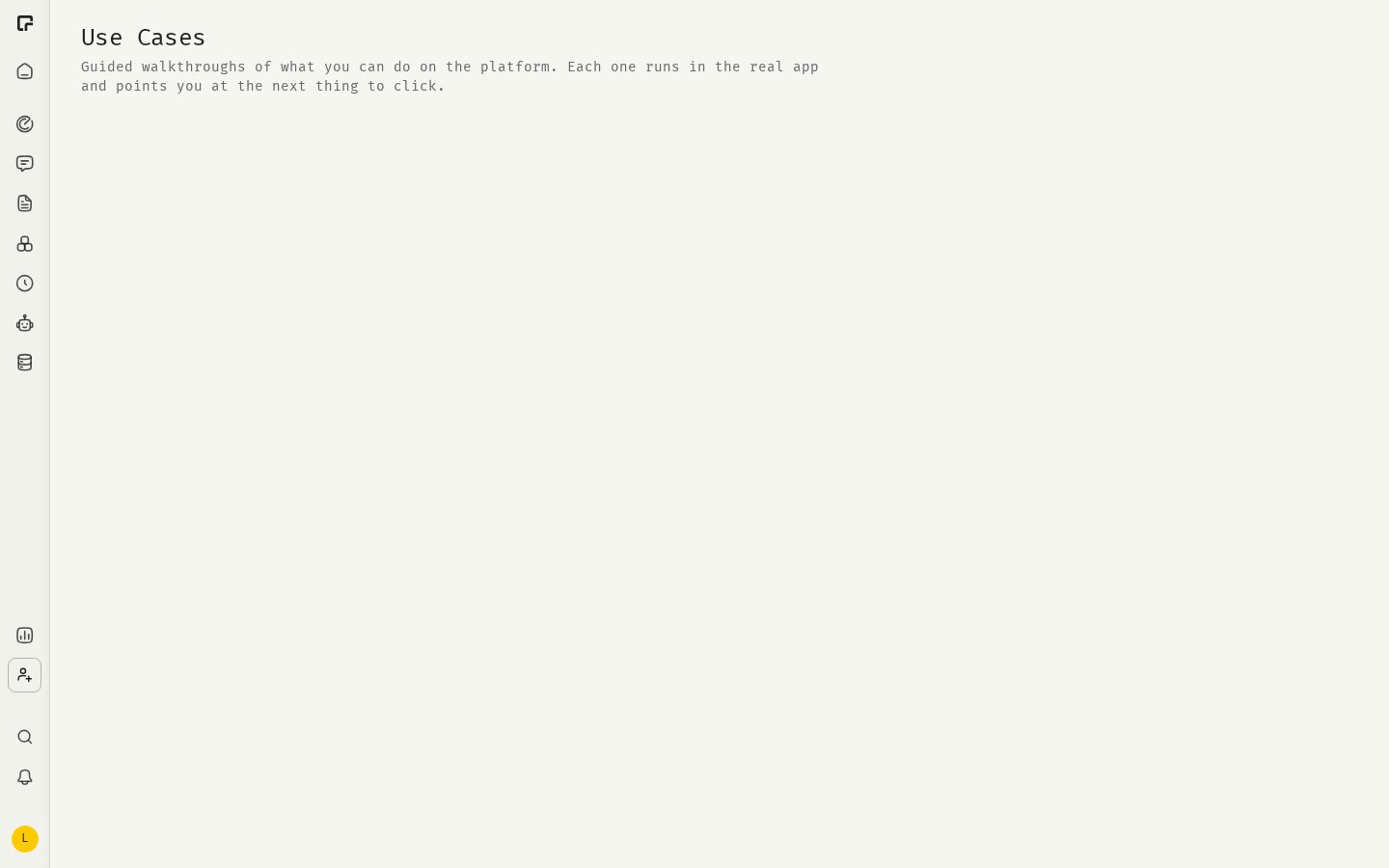
If your organization has it enabled, the Use Cases page in the sidebar offers guided tours that run in the real app, for example Create an assistant, Save a prompt for your team and Schedule a recurring task. Point new members there after the kickoff.Measure the result
After a few weeks, check in Control Tower whether the teams use 48° regularly, and ask how much time each use case saves. Keep the use cases that work and share them with the next teams.Related
Rollout playbook
Plan the rollout in phases.
Assistant Studio
Build an assistant.
Prompting basics
Write better prompts.
Feature overview
Everything 48° can do.